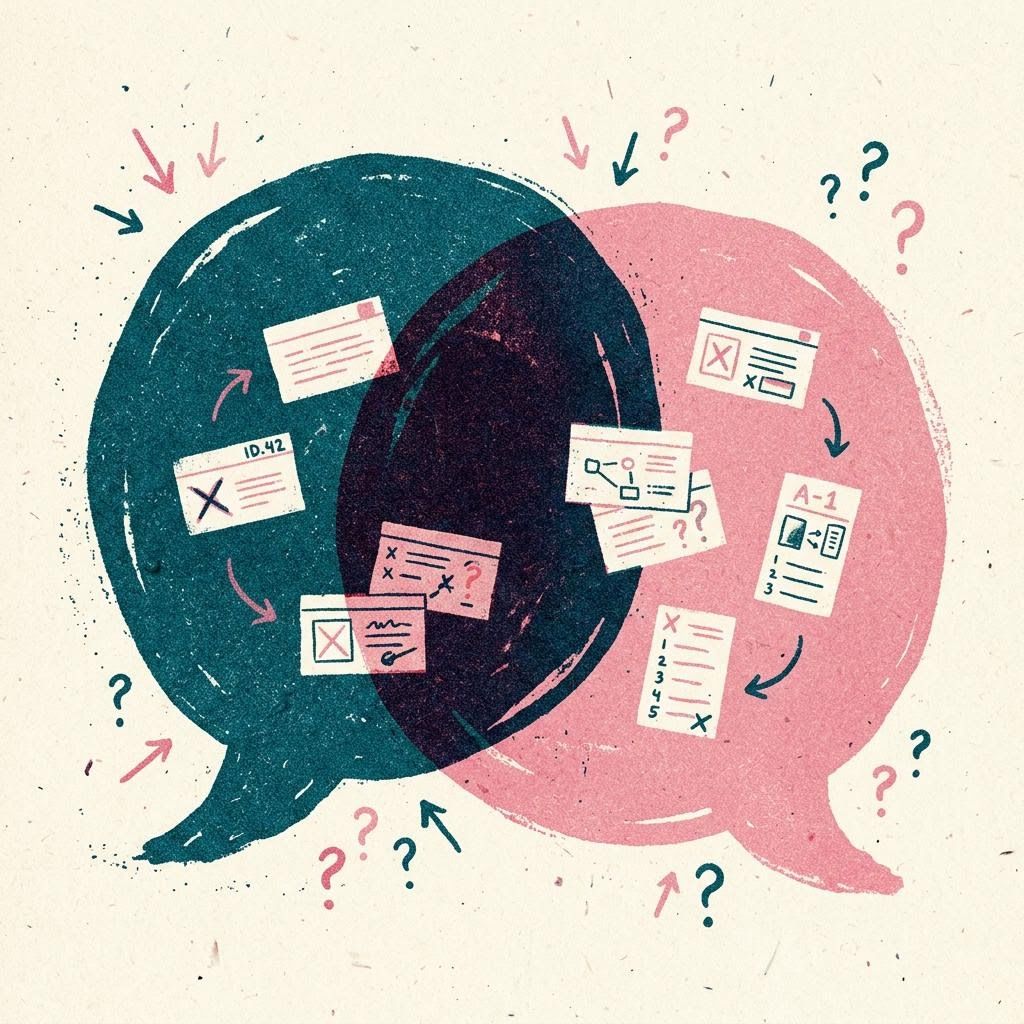
Opinomy designs, builds and supports mobile apps, websites and interfaces. Before we write code we put the idea on the floor and argue both sides, out loud and in writing, so the thing we build has already answered its hardest questions.
For “People want to book without phoning. An app would save them a call.”
Against “Most bookings come from people who visit once a year. Would they install anything?”
For “Then a fast mobile web page, not an app store listing.”
Chair “Agreed. Test the booking page with six people before deciding on an app.”
Illustrative exchange, not a real client conversation.
01
Why we start with disagreement
Most software goes wrong quietly. A feature is agreed in a meeting because nobody wanted to be the person who slowed things down, and six months later it sits unused. We would rather have that awkward conversation in week one, when it costs an afternoon, than in month six, when it costs a release.
So every project begins as a motion: one sentence describing what you believe the product should do. We then make the strongest case for it, the strongest case against it, and agree what evidence would settle the matter. Sometimes the evidence is a five-minute call with a customer. Sometimes it is a clickable prototype. Occasionally it is a decision to build nothing at all.
Illustration generated for this website. It shows an idea, not a real project.
02
What we make once the case is settled
Mobile apps
iOS and Android apps built with cross-platform tooling where it fits and native code where it matters: offline behaviour, notifications, accessibility settings and graceful handling of patchy signal on the Bakerloo line.
Fast, accessible websites and browser-based tools, from a five-page organisation site to a logged-in portal with roles, search and data exports. Plain HTML where possible, frameworks where they earn their weight.
Research interviews, journey maps, wireframes and tested prototypes. We design for the person who is tired, distracted and on a small screen, because that is who most users are.
App Store and Google Play submissions, privacy labels, screenshots, release notes and the dull but vital work of keeping listings accurate as products change.
Monitoring, bug fixes, dependency updates and small improvements under a clear support arrangement, answered Monday to Friday during London working hours.
Put arguments on each side of the beam and give each a weight from one to five. It will not make the decision for you, but it shows quickly when one side is resting on a single heavy assumption. Everything stays in your browser.
Add an argument to either side.
For
Against
04
A project, in four rounds
Opening statements
A one-hour call and a short written brief. You tell us what you want; we restate it as a motion and list the assumptions it depends on. You receive this as a two-page document whether or not you go further.
Cross-examination
Usually one to three weeks. We test the riskiest assumption first: interviews, an analysis of your existing data, a competitor walk-through or a paper prototype. Each finding is written up as for, against or unresolved.
The ruling
A scope you can read in ten minutes, with what is in, what is out and why. Every out-of-scope item carries a reason, so it can be revisited properly later rather than forgotten.
Delivery and rebuttal
Fortnightly releases to a test build you can hold. Each release ends with a short review where you are explicitly invited to disagree with what you see.
05
What counts as evidence here
Strong
Watching someone use a prototype without help
Behaviour in your existing product data
Money or time a customer already spends on the problem
Useful
Specific stories from interviews about the last time something happened
Support emails and complaints, read in bulk
Accessibility audits against WCAG 2.2
Weak on its own
“Would you use this?” survey answers
A competitor having the feature
The loudest voice in the room, including ours
06
Test a claim about your product
Type something you believe about your users and tick the evidence you already have. The tester suggests the next cheapest way to strengthen or overturn it.
Your verdict will appear here.
Illustrative guidance only. It scores the kinds of evidence, not whether your claim is true.
07
Design that can explain itself
Every screen we hand over arrives with its reasoning attached: why the primary action sits where it does, which user need it answers and what we considered instead. That makes later changes faster, because the next designer or developer can see which decisions were deliberate and which were simply convenient.
We design in Figma, prototype at realistic fidelity and test with people who resemble your users. Contrast, text size, focus order, screen reader labels and reduced-motion preferences are part of the first draft, not a fix-up list at the end.
An app that passes review once can still be pulled later for a missing privacy disclosure or an outdated SDK. We prepare listings, screenshots, data-safety forms and review notes, and we keep a short calendar of the platform policy changes that affect your app.
For websites, publishing means domains, DNS, TLS certificates, hosting configuration, backups and a written handover so your team knows where everything lives.
Leading questions produce flattering answers. Choose who you are speaking to and what you want to learn; the builder drafts open, past-tense questions that are harder to answer politely.
11
When we are a good fit, and when we are not
Likely a good fit
You have a product idea, an ageing app or a website that no longer matches what your organisation does, and you want someone to challenge the plan as well as carry it out. You value a written trail of decisions and are comfortable hearing “we think that is the wrong feature”.
Probably not
You need regulated financial or medical advice, a fixed-price build from a finished specification with no discussion, or someone to replicate a competitor screen for screen. We will tell you so early and, where we can, suggest what kind of specialist to look for.
Tell us the sentence you would put to the room. We will reply within working hours with the questions we would ask first, so you can judge whether our way of thinking suits you before anything is agreed.
We keep one essential note in your browser: the choice you make here. If you accept optional storage, our toolkit will also remember what you typed into it on this device. We run no analytics or advertising trackers either way.